
Business Process Automation & Integrations
Automated workflows, the API integrations that connect your systems, and one source of truth for the data behind them.
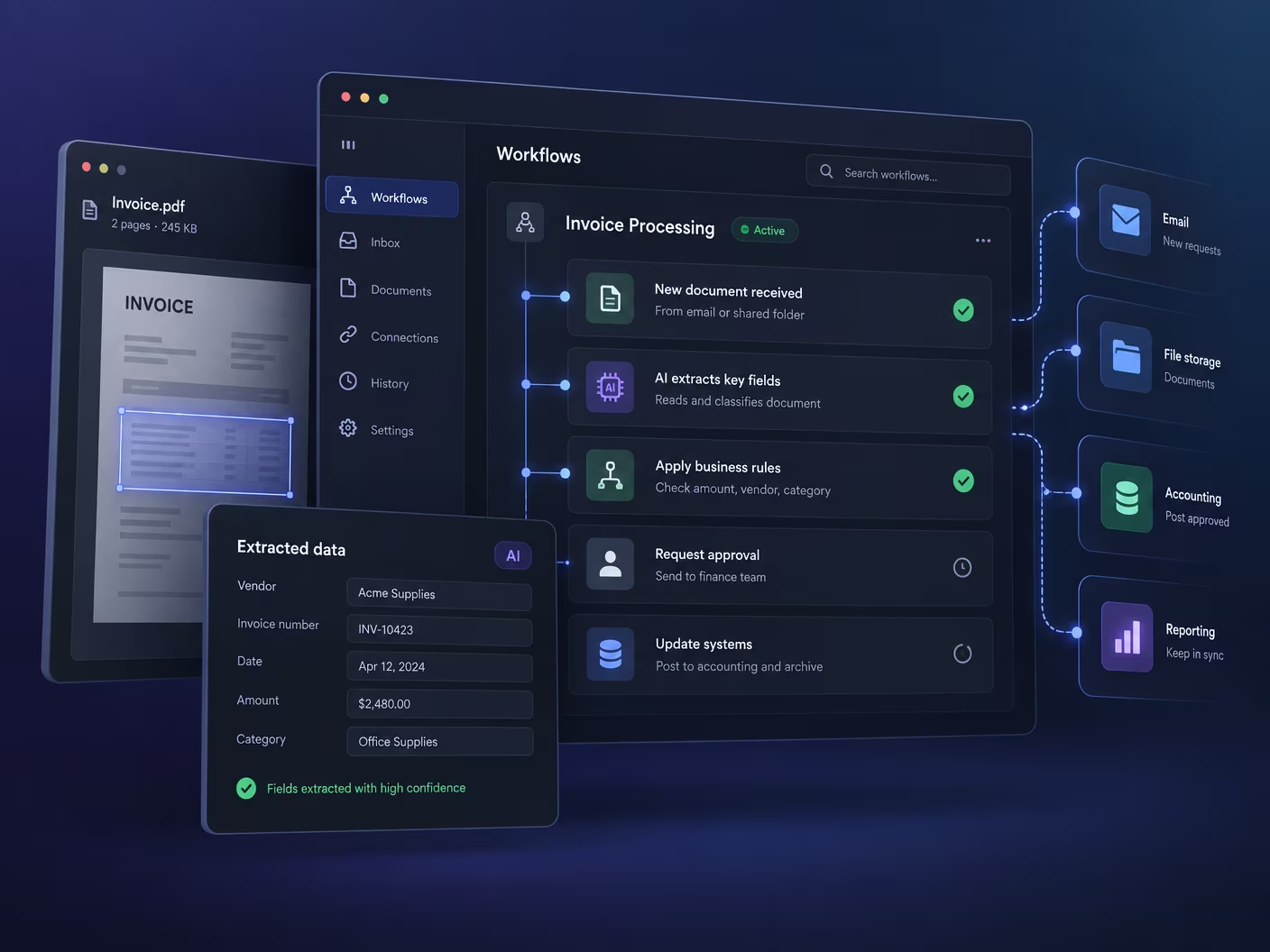
Business Process Automation
You already know which tasks are wasting your team's time. Invoices sitting in inboxes. Approvals waiting on the wrong person. Data copied from one system into another. Small errors that cause bigger problems downstream. Every week, the same work gets done manually that software could handle in seconds.
Business process automation changes that. It takes the repetitive, rules-based steps off your team's plate and lets software handle them accurately and consistently, so your people can focus on work that actually requires judgment.
We build automation that fits the exact way your company operates. Not generic templates. Not workflow tools that almost work. Custom automation connected to your real processes, your real data, and the systems you already use.
The same team builds the API integrations that connect your systems and the centralized data platform that keeps every report reading from one source of truth, because automation that runs across disconnected tools is the automation that breaks.
Business Process Automation Built Around How You Work
Every company has its own workflows, approval chains, data rules, and integration requirements. Off-the-shelf automation tools handle the simple cases well. They break down when your processes have any complexity, exceptions, or cross-system dependencies.
We build automation that:
- Follows your exact business logic, including edge cases and exceptions
- Connects directly to your current systems and data sources
- Adapts as your processes and business requirements change
We treat automation as a permanent upgrade to how your organization operates, not a quick fix.
Automation That Does Not Break When Things Get Complicated
As your business grows, the number of repetitive tasks grows with it. Manual coordination becomes slower, more error-prone, and more expensive. Teams spend time on administration instead of outcomes.
The automation we build handles high volumes reliably, manages exceptions intelligently, and maintains accuracy even when your rules and processes change over time. The result is lower operational costs and people working on things that actually matter.
How This Benefits Your Business
Automation pays back in hours nobody has to spend and mistakes nobody has to find later. The gains come from picking the right processes, which is most of the work.
The repetitive work stops consuming senior people
Manual handoffs tend to land on whoever is most careful, which is usually your most experienced person. Automating those steps gives that capacity back.
Exceptions get handled, not ignored
Most automation breaks on the case nobody designed for. We build the exception path deliberately, so unusual inputs route to a person instead of failing silently.
You can see what ran and what did not
Audit trails and dashboards come as standard. When someone asks why an invoice did not go out, the answer takes a minute rather than an afternoon.
The integrations and the data come with it
Most automation fails in the seams: between the CRM and the ERP, between the tool that captured the order and the sheet that reports it. Building the integration layer and the data platform in the same scope removes the seams instead of automating around them.
Custom automation frameworks, workflow automation tools
Languages: Node.js, Python, Java, Ruby on Rails
Integration: API integration, GraphQL, event-driven systems, real-time processing
Data: Data pipelines, ETL tools
Cloud: AWS, Google Cloud, Azure
Additional Strengths: Real-time monitoring and dashboards, exception handling and alerts, audit trails and compliance logging, secure credential management
How SWARECO builds automation that lasts
The core of every SWARECO automation solution is boring on purpose: Ruby on Rails services with Sidekiq running the scheduled and long-running jobs, Redis queues, and PostgreSQL keeping the state and the audit trail. Workflow automation runs against the platforms your business processes already live in - Salesforce, HubSpot, Shopify, NetSuite and Google services - through their real APIs, deployed in Docker on AWS or Heroku and tested end-to-end with Playwright.
BPA, RPA, and where the tools fit
Off-the-shelf automation platforms handle simple, linear workflows well, and we say so when one fits. Custom business process automation services earn their cost when the workflow crosses several systems, carries real business logic, or moves volumes those platforms price badly. Robotic process automation appears in our work only as a bridge to software with no API - a technique inside the automation workflow, never the strategy.
Business automation use cases we see most
The recurring BPA requests: invoice and order data entry that currently moves by copy-paste, approval workflows that stall in inboxes, onboarding checklists that live in a spreadsheet, and reporting that takes a day of manual assembly each month. Each is a bounded BPA solution - map the process steps, automate the rule-based ones, route exceptions to a person. This is business process management done with software instead of laminated diagrams: task automation for the repetitive work, intelligent automation where a document or a judgment call is involved, and plain scheduled jobs for the rest. The automation technologies matter less than the discipline - automation software that nobody monitors becomes the next legacy system, which is why SWARECO's business automation services ship with dashboards, alerts and an owner. A workflow that runs unattended, gets watched, and can be changed in a sprint: that is the standard a business process automation company should be held to, and it is what makes each automated workflow compound instead of decay.
Where machine learning belongs
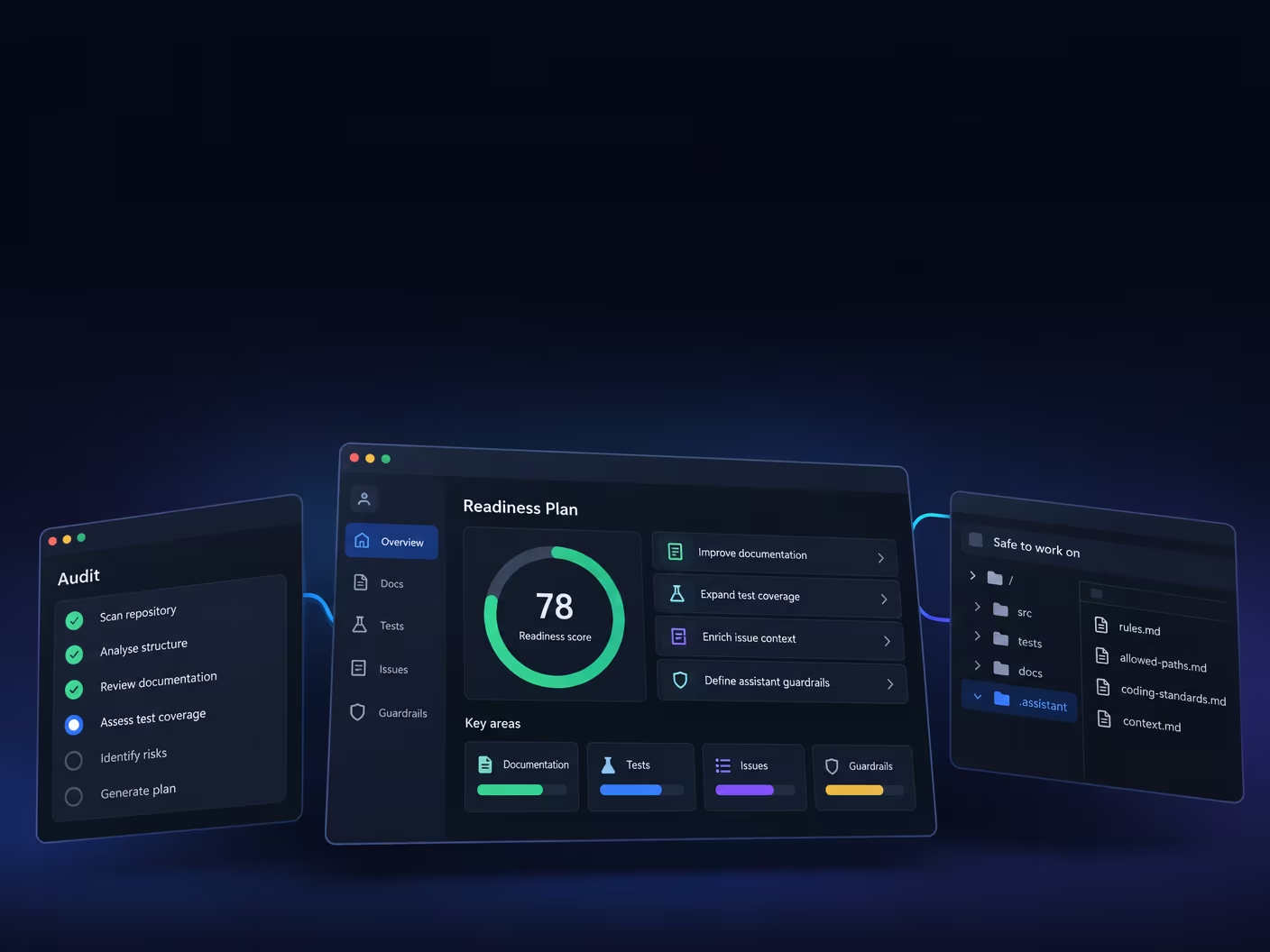
Artificial intelligence enters an automated process where rules run out: reading unstructured documents, classifying inbound requests, routing exceptions. There we integrate the OpenAI, Anthropic Claude or Google Gemini APIs inside the workflow, with a human checkpoint on anything consequential. Machine learning is a component of the automation, not the product - the product is the hours your team gets back.
How SWARECO builds AI into automated workflows
Rules handle the predictable; AI handles the judgment calls. In practice that means deterministic workflow logic for routing, scheduling and validation, with a model — OpenAI, Anthropic Claude or Google Gemini, chosen per task — doing the steps that need reading and judgment: extracting line items from emailed PDFs, classifying inbound requests, summarizing account activity for a human decision. The model is one component inside a tested workflow, never the workflow itself, and its output is logged with the input that produced it.
We also build Model Context Protocol (MCP) servers — the open standard that lets AI assistants like Claude operate business systems directly. An MCP server in front of your CRM or ERP means your team can ask an assistant to pull the numbers, draft the follow-up or file the record, with the same permissions and audit trail as doing it by hand. It is the difference between automation your team runs and automation your team talks to.
Delivery is the same as everything SWARECO ships: built by senior engineers using Claude Code with an unchanged review bar, tested end to end with Playwright, and monitored in production — because an AI system does not stop learning at deployment, and neither should the checks around it.
How to get started with business process automation
Every automation project starts with process mapping, not tooling. We walk the workflow with the people who run it, write down each process step, the business rules behind it and where the manual process actually loses time, and mark the candidates for automation: the repetitive tasks with clear rules, the data entry that moves between two systems, the approvals that stall in an inbox. Invoice processing automation, order entry and onboarding checklists are the usual first automation opportunities because the rules are already known and the volume is visible. The first automated process goes live within weeks, with a dashboard that shows what ran, and the next candidates are chosen from what that pilot measured rather than from a wish list. Business process improvement compounds when each automation initiative is small enough to finish and monitored enough to trust.
Where a step has no API at all, robotic process automation can bridge it, but RPA that mimics clicks in a user interface is brittle and breaks when the screen changes. BPA rewires the business processes themselves through real integrations, and in the RPA and BPA programs we run, the bot is a temporary bridge that is retired once the integration exists.
Integrations: the stack we connect
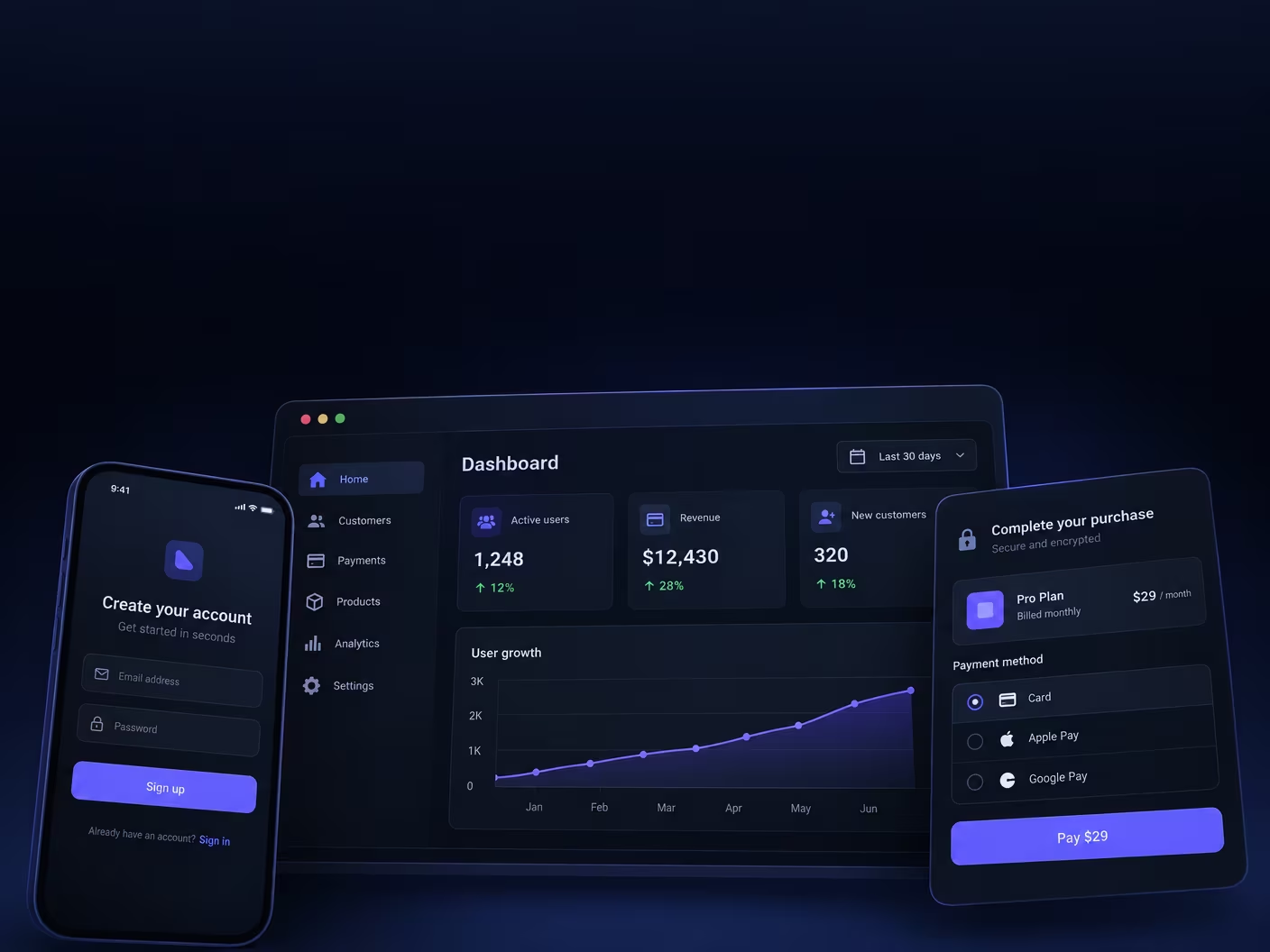
Automation across several systems is an integration problem first. SWARECO's API integration work covers the platforms our clients actually run on: Salesforce and HubSpot for CRM and marketing data, Shopify for commerce, and NetSuite for finance and ERP. Each has its own idea of how an application programming interface should behave, from Salesforce governor limits and HubSpot's per-portal rate limits to Shopify's bulk operations and webhook topics and NetSuite's SuiteTalk and SuiteQL, and knowing the quirk before the build starts is the difference between a two-week integration and a two-month one.
Every integration starts with a data map rather than code: which system owns each field, what happens when both change the same record, and what the workflow should do when one side is unavailable. Most integration failures are not bugs; they are two systems that were never told which of them is right. Then we agree the direction of travel, because a one-way push is far cheaper to build and reason about than a two-way sync, and many requirements described as "keep them in sync" are satisfied by a push one way and a read the other. Build follows the map: webhooks over polling where the platform supports them, OAuth token refresh and per-environment keys so nothing depends on one person's credentials, rate limits designed for rather than discovered, every operation idempotent so a retry cannot create a duplicate record, failed jobs retried with backoff and then surfaced to a person, and an alert when a sync stops entirely, because the silent failure is the one that costs money.
We also say when not to build. If a supported native connector or an integration platform such as MuleSoft, Boomi or Workato does the job, that is cheaper than custom work and we will say so. Custom integration earns its cost when the logic is specific to your business, the volume is beyond what those platforms price sensibly, or a system has no connector worth trusting. For a legacy system with no API, the options in order of preference are a scheduled export, read-only database access, a thin API we build in front of it, or file exchange over SFTP, and we will tell you which one your system actually supports before promising real time.
Data centralization and dashboards
Automation and reporting both need one version of the truth, so the data platform is part of the same scope. We centralize data in the order that protects trust in the numbers: an audit of every data source, from the SaaS tools and databases to the spreadsheets where the business actually keeps facts, and a map of which system owns which field, because most reporting disagreements are two systems that both believe they own the same number. Then the pipelines: Ruby on Rails sync jobs with Sidekiq pull from each source into one PostgreSQL warehouse on a schedule the business can see, transform records into one agreed shape, and log every run, with an alert when a sync fails, because centralized data that silently goes stale is worse than the silos it replaced. Data governance is settled while the pipes are built: who can see what, how long records are kept, and what each field means. Dashboards come last, in React and TypeScript over the warehouse, built for the views each team actually uses and retiring the spreadsheet reports they replace one by one.
Pointing a dashboard tool at six data sources hides the silo problem instead of solving it; centralizing first means every downstream tool reads the same facts. It also leaves you AI-ready: once the data lives in one governed place we layer natural-language querying so an operator can ask which accounts went quiet last quarter without writing SQL, retrieval-augmented generation that answers only from verified records with citations back to source, and Model Context Protocol (MCP) servers so an assistant like Claude can query the data with the same permissions and audit trail as a person. Where a wrong answer has a cost, the model proposes and a person approves.
Related services: AI Agent Development Services and Custom Software Development & Dedicated Nearshore Teams.
Industries We Serve
Deep industry expertise combined with cutting-edge technology to solve your unique challenges
Why Work With Us for Business Process Automation
We do not deliver automation templates. We build workflows that become a permanent part of how your business runs, designed around your actual processes rather than what a generic tool can handle.
Our work combines custom software development, system integration, and AI where it adds real value. The result is automation that is reliable, specific to your company, and built to stay that way as your operations grow.
These companies have relied on us to help expand their engineering teams with top talent who make a real impact.
Companies that trusted us to build and run their engineering.






Case Study
Real results for real clients. Discover how we've helped businesses achieve their digital transformation goals

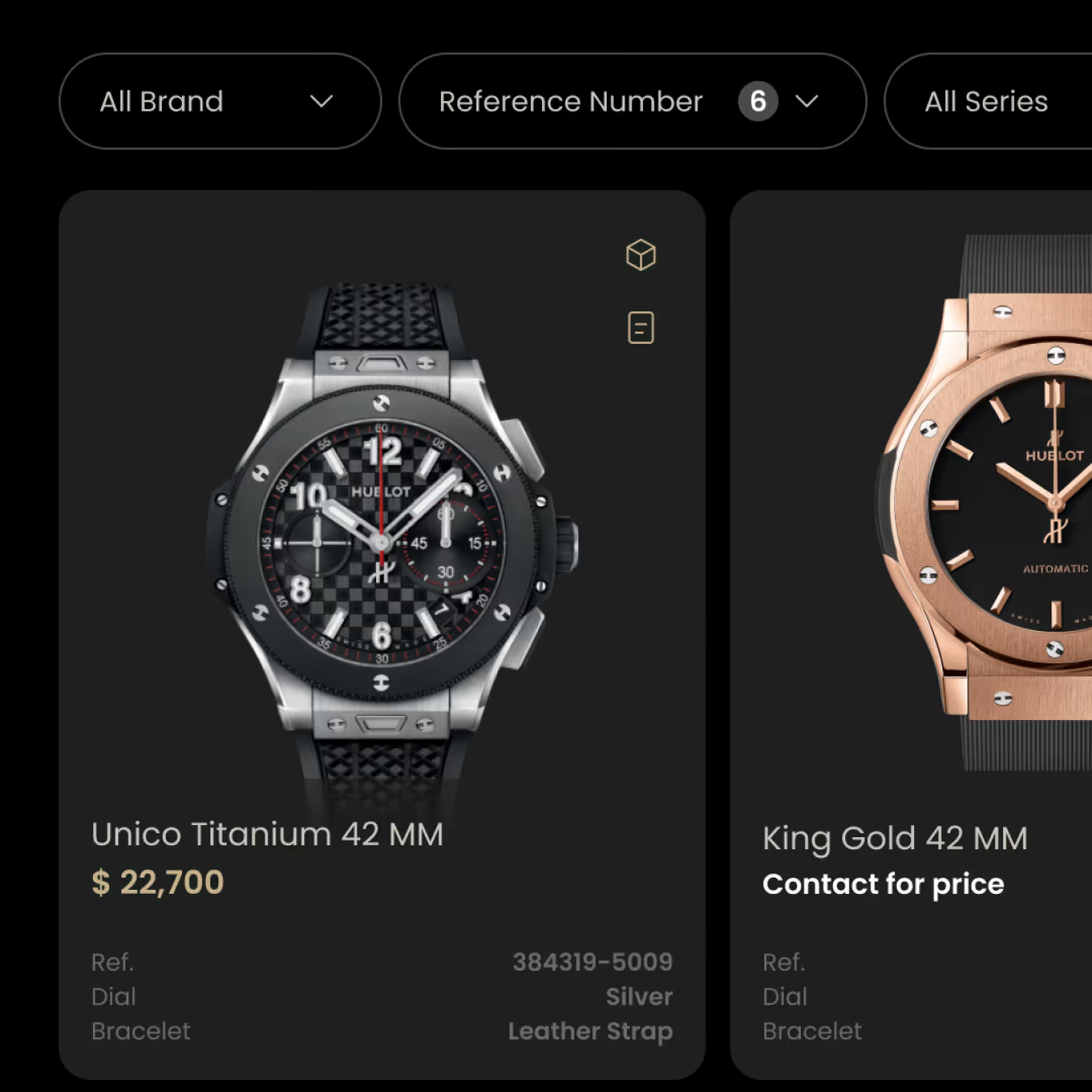
Elefta: Turning a Dealer Prototype into a B2B SaaS Platform Operating Across 30+ Countries
1,628 users, 534 organizations, 30+ countries: SWARECO rebuilt Elefta's watch-dealer prototype into a scalable B2B SaaS inventory management platform.
FAQs
What is business process automation?
It is the use of software to run repetitive, rule-based tasks automatically. Instead of people doing the same manual steps every day, software handles them accurately and consistently so your team can focus on higher-value work.
How is custom automation different from tools like Zapier or Make?
Off-the-shelf automation tools work well for simple, linear workflows. They struggle with complex business logic, large data volumes, exception handling, and deep system integration. Custom automation handles all of that, built around exactly how your business works.
How long does an automation project take?
Simple workflows can be automated in 4 to 8 weeks. Complex multi-system automations with significant business logic typically take 10 to 20 weeks. We set clear milestones from the start.
Can you automate processes across departments?
Yes. We regularly build automation that connects HR, finance, operations, sales, and customer support into unified workflows.
Do you include AI capabilities in your automation?
Where it adds real value, yes. This includes intelligent document processing, predictive routing, and decision support. We apply AI where it makes the automation more effective, not as a feature for its own sake.
Will the automation connect to our current software?
Yes. Connecting to CRMs, ERPs, databases, and legacy systems is central to how we build automation. It is designed to work within your existing stack.
How do you ensure security and compliance?
Security and audit trails are built in from the start. We can support requirements including GDPR, SOX, HIPAA, and industry-specific standards.
Can you automate processes that currently happen in spreadsheets or email?
Yes. This is one of the most common use cases. We map the existing workflow, identify the logic, and build a system that replaces the manual coordination with structured automation.
Do you provide ongoing maintenance?
Yes. We offer support covering monitoring, optimization, updates, and expansion of automated processes as your business grows.
What kind of results can we expect?
Most clients see payback within 6 to 12 months through reduced labor costs, fewer errors, faster cycle times, and the ability to handle more volume without adding headcount.
Which business processes should use AI, and which should stay rules-based?
High-volume work with messy inputs is AI territory: reading documents, classifying requests, summarizing activity. Work with a clear rule — thresholds, routing, validation — should stay deterministic, because a rule is cheaper, faster and auditable. SWARECO maps the workflow first and applies a model only to the steps that genuinely need judgment.
What is an MCP server, and why does it matter for automation?
The Model Context Protocol (MCP) is the open standard that lets AI assistants like Anthropic's Claude connect to business systems — read records, run reports, trigger workflows — under controlled permissions. SWARECO builds custom MCP servers so the systems it automates can be operated conversationally, with the same access controls and audit logging as the underlying application.
What are API integrations?
API integrations are the connections that allow different software systems to share data and communicate automatically. Instead of manually copying information between tools, integrations move data in real time without human involvement.
What if one of our systems is old or has limited API support?
We have worked with legacy systems that have limited or no native API support. We can build middleware, connectors, or custom solutions to bridge the gap.
What is data centralization?
It is the process of collecting data from multiple disconnected systems and consolidating it into a single, unified platform that serves as the single source of truth for your organization.
Can AI query our business data in plain English?
Yes, once the data is centralized and governed. SWARECO builds natural-language query layers and MCP connections over PostgreSQL and Elasticsearch, so an operator can ask questions conversationally and get answers drawn only from verified records — with citations, permissions and audit logging intact.
Other Services
Your team should be doing the work that matters.
Tell us which processes are taking too much manual time. We will map the right automation and build it around how your business actually works.